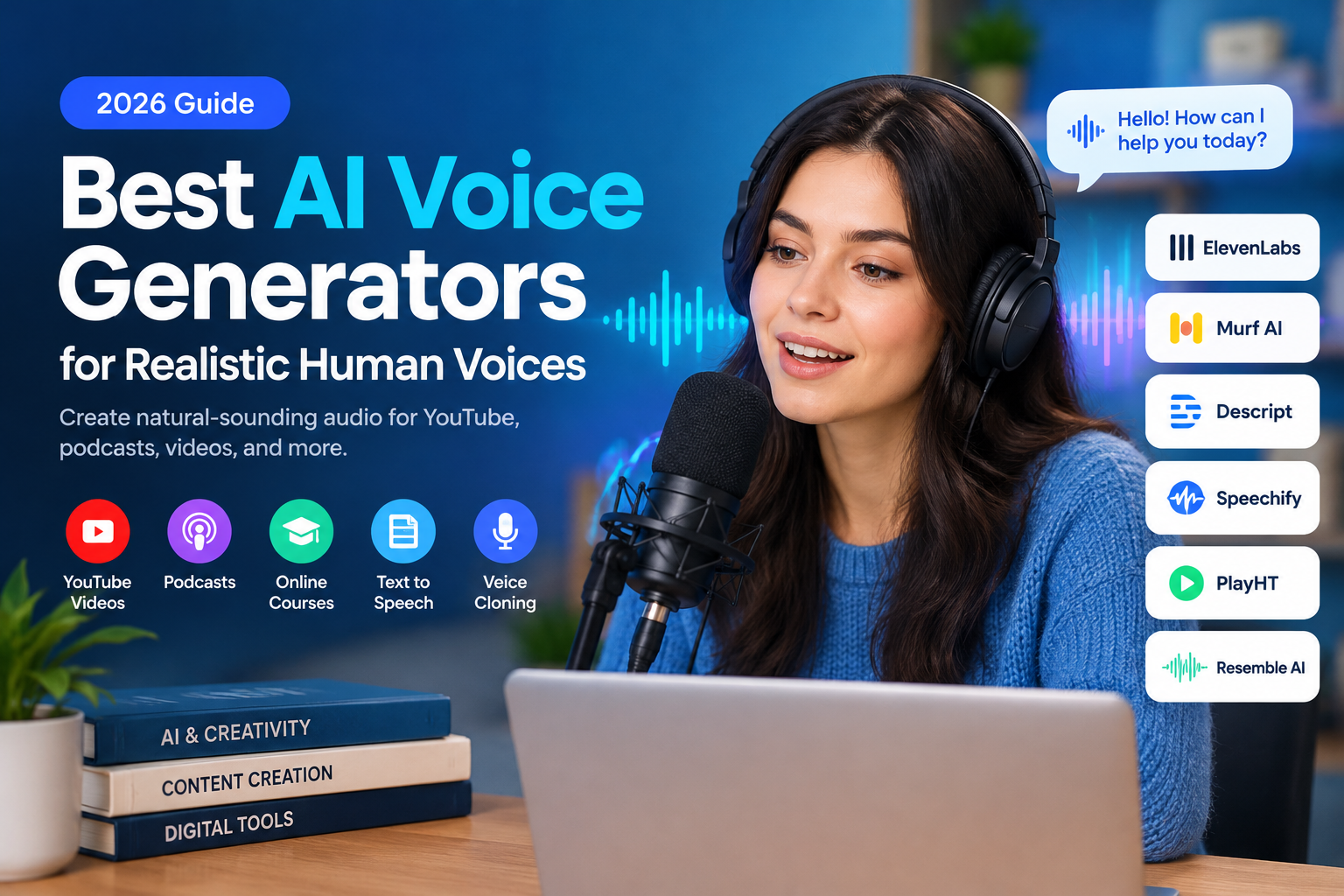
Have you ever watched a YouTube video and wondered whether the narrator was a real person or an AI-generated voice? Modern AI voice generators can produce surprisingly natural speech, complete with pauses, changes in tone, and expressive delivery.
Whether you create YouTube videos, publish podcasts, make online courses, or want to turn written articles into audio, the right AI voice tool can save time and reduce recording costs.
The challenge is choosing a platform that fits your needs. Some tools focus on realistic narration, while others specialize in voice cloning, podcast editing, business presentations, or text-to-speech accessibility.
In this guide, we’ll explore some of the best AI voice generators for realistic human-sounding audio, explain how they work, and show you what to consider before choosing one.
What Is an AI Voice Generator?
An AI voice generator is a software tool that converts written text into spoken audio using artificial intelligence. Instead of recording every sentence with a microphone, you enter a script and select a suitable voice.
More advanced platforms can reproduce the characteristics of a particular speaker, provided the speaker has authorized the use of their voice. This process is known as AI voice cloning.
AI-generated voices are commonly used for:
- YouTube videos and social media content
- Podcasts and audiobook narration
- Educational videos and online courses
- Website articles converted into audio
- Product demonstrations and marketing videos
- Multilingual narration and video localization
- Accessibility tools and digital assistants
The quality of the result depends on the voice model, language, script, pronunciation, and available editing controls.
Best AI Voice Generators for Realistic Audio
Different tools serve different purposes. The following platforms are worth comparing before deciding which one fits your workflow.
1. ElevenLabs — Best for Expressive Voice Generation
ElevenLabs is a popular option for creators who want expressive AI narration and personalized voice generation. Its tools support voice cloning, text-to-speech, and audio production workflows.
Key features:
- Natural-sounding speech with expressive delivery
- Custom voice creation and voice cloning
- Support for multiple languages, depending on the model
- Audio generation for videos, stories, and podcasts
- Options for exporting generated audio
Best for: YouTubers, audiobook creators, content publishers, and video producers.
Potential limitation: Usage limits, available features, and commercial rights depend on the subscription plan and applicable terms.
Visit the official ElevenLabs website to explore its voice-generation features.
2. Murf AI — Best for Professional Voiceovers
Murf AI is designed for people who need polished narration for presentations, training materials, advertisements, and educational videos.
Its studio-style interface helps users adjust speech delivery and emphasize important words without relying entirely on manual audio editing.
Key features:
- A collection of AI voices and speaking styles
- Voiceover editing and pronunciation controls
- Support for presentation and training workflows
- Audio generation for marketing and educational content
- Paid plans with additional production features
Best for: Businesses, teachers, marketers, and corporate training teams.
Potential limitation: Advanced features and usage allowances vary by plan. Check the current licensing terms before using generated audio commercially.
Explore Murf AI for available voiceover tools.
3. Descript — Best for Video and Podcast Creators
Descript combines audio and video editing with AI-powered speech tools. One useful feature is the ability to correct certain spoken passages by editing text rather than recording an entire section again.
This approach is particularly helpful when a podcast contains a small mistake or a video script needs a last-minute correction.
Key features:
- Text-based audio and video editing
- AI speech generation and authorized voice cloning
- Transcript-based editing workflows
- Tools for refining podcast recordings
- Support for creating and revising narration
Best for: Podcasters, YouTubers, interview editors, and educational content creators.
Potential limitation: Some AI speech features and export capabilities require a paid plan or have usage limits.
Learn more at the official Descript website.
4. Speechify — Best for Listening to Written Content
Speechify is especially useful for people who want to listen to text instead of reading it on a screen. It offers text-to-speech tools for written material and also provides voice-cloning capabilities through certain products.
You can consider it for reading articles, documents, study materials, and other text-based content aloud.
Key features:
- Text-to-speech functionality
- Tools for listening to written content
- Voice options and reading controls
- Voice-cloning capabilities in supported services
- Solutions for personal and developer use cases
Best for: Students, readers, professionals, and accessibility-focused projects.
Potential limitation: Voice cloning and advanced features may require a paid subscription or additional verification.
Visit Speechify to compare its available tools.
5. Resemble AI — Best for Custom Voice Applications
Resemble AI focuses on custom voice technology for applications such as interactive experiences, games, media production, and business systems.
Its tools are worth exploring when a project requires more than a standard text-to-speech voice, particularly when developers need to integrate voice generation into their products.
Key features:
- Custom voice generation
- Voice cloning for authorized use cases
- Developer-oriented integration options
- Speech transformation capabilities
- Tools designed for business and media workflows
Best for: Developers, game studios, and organizations building voice-enabled products.
Potential limitation: Advanced features and integration requirements may make it less convenient for beginners seeking a simple voiceover tool.
Explore the Resemble AI website for its current offerings.
6. PlayHT — Best for Developers and Audio Workflows
PlayHT is another name worth investigating when comparing AI voice-generation services. Its historical product focus includes synthetic speech, voice creation, and tools for integrating generated audio into digital applications.
Before choosing it, check the current availability of its products, features, and subscription options because AI services can change over time.
Key features to investigate:
- Text-to-speech generation
- Voice customization options
- API and integration capabilities, where available
- Support for your required languages
- Audio export and usage rights
Best for: Users evaluating voice-generation services for publishing or software projects.
Potential limitation: Current product availability and feature access should be verified directly with the provider.
Comparison of the Best AI Voice Generators
| Tool | Main Strength | Best Use Case | What to Check |
|---|---|---|---|
| ElevenLabs | Expressive speech and voice cloning | Videos and audiobooks | Credits and licensing |
| Murf AI | Professional voiceover production | Presentations and training | Voice limits and exports |
| Descript | Text-based audio editing | Podcasts and YouTube | AI speech access |
| Speechify | Listening to written content | Reading and accessibility | Subscription features |
| Resemble AI | Custom voice technology | Apps and interactive media | Integration and pricing |
| PlayHT | Voice-generation workflows | Publishing and development | Current service availability |
There is no single tool that is best for every project. Compare the quality of actual audio samples, supported languages, editing options, and licensing conditions before making a decision.
How to Create Realistic AI Voiceovers
You do not need professional recording equipment to start generating AI narration. Most text-to-speech platforms provide a browser-based workflow.
Follow these steps to create your first voiceover.
Step 1: Choose the Right AI Voice Tool
Start by identifying what you want to produce. A YouTube narrator, an audiobook reader, and a corporate training voice may require different characteristics.
For example, a conversational voice might suit a product review, while a calm and consistent voice may work better for educational material.
Step 2: Prepare Your Script
Write a script that sounds natural when spoken aloud. Short sentences, clear transitions, and familiar vocabulary generally make narration easier to follow.
Avoid writing extremely long sentences with several clauses. Break them into smaller sections where appropriate.
For example:
Less natural:
“Today we will explain the different features of this application and discuss how users can benefit from the available tools.”
More conversational:
“Today, we’re looking at this application. We’ll explore its main features and explain how you can use them.”
The second version may be easier for an AI narrator to deliver naturally.
Step 3: Select a Voice
Open the platform’s voice library and listen to several samples. Consider the speaker’s accent, pitch, pace, pronunciation, and overall personality.
If your audience is international, select a voice that is easy for your target listeners to understand.
For Bangla content, test the actual pronunciation of Bengali words and names before generating a long recording. Language support and pronunciation quality can differ between models.
Step 4: Adjust the Delivery
Where supported, experiment with speaking speed, pauses, emphasis, and expressive settings.
Do not assume that a more dramatic voice will always produce better results. A relaxed delivery can sound more convincing for tutorials, while an energetic style may suit promotional content.
Step 5: Generate and Review the Audio
Generate a short sample before processing the entire script.
Listen for:
- Incorrect pronunciation
- Unnatural pauses
- Repeated or missing words
- Sudden changes in tone
- Difficult-to-understand sentences
- Audio clipping or inconsistent volume
Correct the script and regenerate individual sections if the platform supports it.
Step 6: Export and Edit Your Voiceover
Download the audio in a format supported by your video editor or publishing workflow.
You can combine the narration with background music, sound effects, images, or video footage. Keep background music low enough that the spoken words remain clear.
Before publishing, confirm that your subscription and the platform’s terms allow your intended use.
How to Create an AI Clone of Your Own Voice
AI voice cloning differs from ordinary text-to-speech because the system attempts to reproduce characteristics of a particular speaker.
A typical authorized voice-cloning workflow looks like this:
- Choose a provider that offers voice cloning.
- Review its consent and verification requirements.
- Record or upload a clean sample of your own voice.
- Follow the provider’s instructions to create the voice model.
- Enter a script and generate a short test recording.
- Review the pronunciation and adjust the script as needed.
- Export the audio according to the platform’s available options.
For better results, record in a quiet environment. Speak naturally, keep the microphone at a consistent distance, and avoid background music or competing voices.
Some services can work with short recordings, while others require additional audio or verification. Follow the exact sample-length and recording instructions for your chosen platform.
Important: Only clone your own voice or a voice for which you have explicit authorization. Do not use voice cloning to impersonate another person, mislead listeners, or create fraudulent recordings.
Tips for Making AI Voices Sound More Human
Even a high-quality voice model can sound artificial when the script is poorly prepared. Use the following techniques to improve the final result.
Use Natural Punctuation
Commas, full stops, and question marks help organize the script. Where the tool supports expressive controls, punctuation can also influence delivery.
Avoid Unnecessarily Complicated Sentences
Write for the ear, not just the screen. Clear sentences make it easier for listeners to follow the message without having to reread anything.
Test Names and Technical Terms
Brand names, abbreviations, locations, and specialist terminology may be pronounced incorrectly. Test these words before producing the complete narration.
Match the Voice to the Content
A product tutorial usually needs clarity. A documentary may benefit from a measured delivery, while short-form entertainment content may need more energy.
Use Consistent Audio Levels
If your video contains several voice clips, check that they have consistent volume and that transitions do not sound abrupt.
Avoid Overprocessing
Excessive background music, artificial effects, or aggressive audio enhancement can make a good voiceover harder to understand. Keep the final mix clean and balanced.
Are AI Voice Generators Free?
Some AI voice generators offer free plans, limited trials, or introductory credits. These options can be useful for testing voice quality before spending money.
However, free access does not necessarily include every feature.
Before registering, check:
- Monthly character or audio-generation limits
- Whether downloads are included
- Supported export formats
- Watermarks or other restrictions
- Voice-cloning availability
- Commercial usage permissions
- Whether unused credits expire
If you only need occasional narration, a free allowance may be sufficient. If you publish videos regularly or produce long-form audio, compare the cost per finished minute of usable speech rather than focusing only on the advertised monthly price.
Subscription terms and available features can change, so consult each provider’s current pricing page.
Is AI Voice Cloning Safe and Legal?
AI voice technology has legitimate uses, but it can also be misused for scams, impersonation, and misleading audio.
The safest approach is to use reputable services, obtain permission from the person whose voice is being reproduced, and follow the platform’s verification procedures.
If you publish synthetic speech, consider disclosing that AI was used when the context could otherwise mislead the audience. Also review applicable privacy, intellectual-property, advertising, and impersonation laws.
Never use a cloned voice to pretend that a real person endorsed a product or made a statement they never actually made.
Frequently Asked Questions
1. What is the most realistic AI voice generator?
The answer depends on your script, language, preferred voice, and intended use. ElevenLabs, Murf AI, and Descript are useful starting points for comparing expressive narration and voice-production workflows. Test samples before choosing.
2. Can I create realistic AI voices for free?
Yes, some services offer free plans or limited trials. However, voice cloning, export options, commercial rights, and generation limits may vary. Check the current plan details before starting a project.
3. Can AI generate a voice from text?
Yes. Text-to-speech tools convert written scripts into spoken audio. Depending on the platform, you may be able to choose a voice, adjust the delivery, and download the generated recording.
4. Can I clone my own voice?
Yes. Some AI platforms allow you to create a digital version of your voice using recorded samples and any required verification. The recording requirements and available features vary by service.
5. Which AI voice tool is best for YouTube videos?
ElevenLabs is worth testing for expressive narration, while Descript can be useful when you also need to edit video and audio. The best option depends on your budget, script length, editing workflow, and licensing requirements.
6. Can AI voice generators speak Bengali?
Some AI speech systems support Bengali or related language options, but quality and dialect coverage differ. Generate a sample containing common Bengali words, place names, and English loanwords to check pronunciation before committing to a tool.
7. Can I monetize videos that use AI-generated voices?
Possibly. Monetization depends on the platform’s policies, your audio provider’s licensing terms, and the content itself. Confirm that your plan permits commercial use and follow the rules of the service where you publish.
8. Is voice cloning safe?
It can be used safely when the speaker gives permission and the technology is handled responsibly. However, cloned voices can also be used in scams and impersonation attempts, so protect your recordings and avoid sharing sensitive information with untrusted services.
Final Verdict
Realistic AI voice generators make it easier to produce narration without recording every sentence manually. They can help YouTubers, educators, podcasters, publishers, and businesses create audio more efficiently.
Start by identifying your primary goal. Compare ElevenLabs for expressive voice generation, Murf AI for professional voiceovers, and Descript for text-based audio and video editing. Explore other platforms if you need specialized integrations or custom voice technology.
Most importantly, test a short sample, verify the language quality, and review the licensing terms before publishing. A well-written script paired with the right voice can make a bigger difference than choosing a tool based on its popularity alone.